


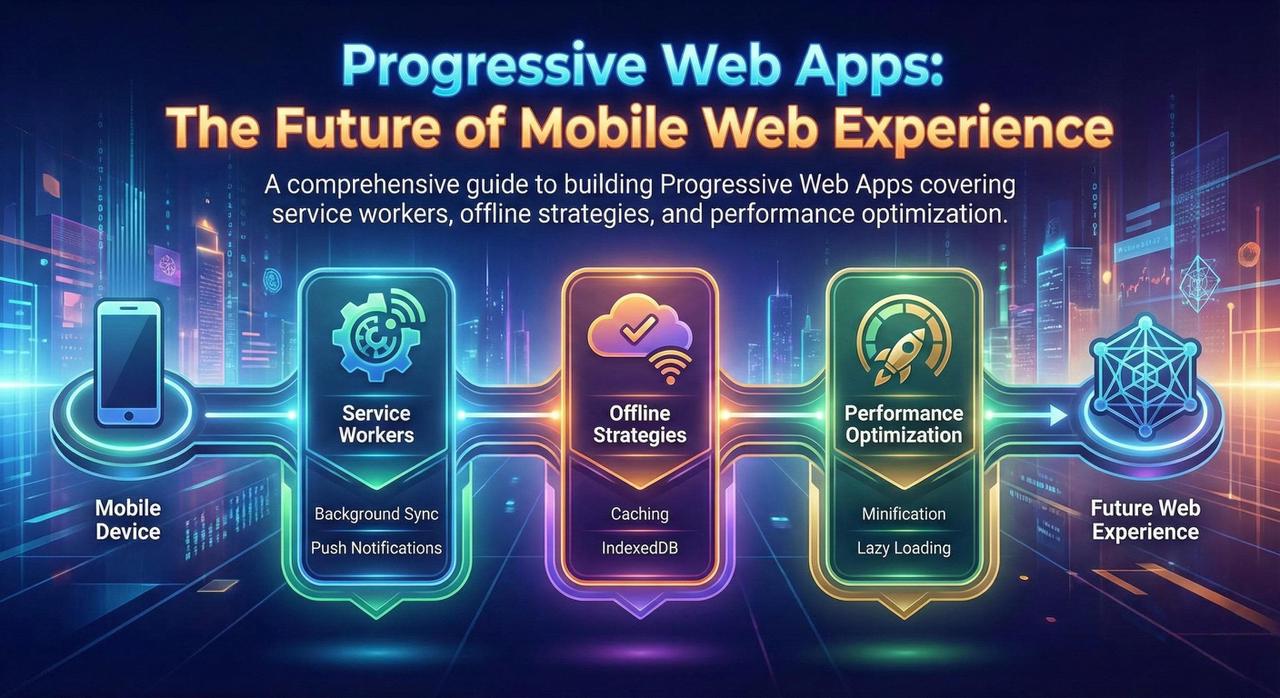
Progressive Web Apps (PWAs) combine the reach of the web with the capabilities of native apps. In 2025, PWAs have become a compelling alternative to native development for many use cases.
What Makes a PWA Progressive?
A Progressive Web App prioritizes reliability, performance, and engagement through modern web technologies.
Load instantly even in uncertain network conditions. Service workers cache critical resources for offline access.
Respond quickly with smooth animations. 53% of users abandon sites taking longer than 3 seconds to load.
Feel like a native app with full-screen experience, push notifications, and home screen installation.
Service Workers: The Heart of PWAs
Service workers are JavaScript files that run separately from the main browser thread, intercepting network requests and enabling offline functionality.
Service Worker Lifecycle
Install - Cache critical resources | Activate - Clean up old caches | Fetch - Intercept requests
Caching Strategies
| Strategy | Description | Best For |
|---|---|---|
| Cache First | Check cache first, fallback to network | Static assets (CSS, JS, images) |
| Network First | Try network first, fallback to cache | API requests, dynamic content |
| Stale While Revalidate | Return cached, update in background | Frequently updated content |
Web App Manifest
The Web App Manifest is a JSON file that tells the browser about your PWA and how it should behave when installed.
Key Manifest Properties
- name/short_name: App name for home screen
- start_url: URL to open when app launches
- display: standalone, fullscreen, or browser
- icons: App icons in various sizes
- theme_color: Browser UI color
Push Notifications
Push notifications allow you to re-engage users even when they're not actively using your app.
- Ask for permission at the right moment
- Provide value with every notification
- Allow users to customize preferences
- Asking for permission immediately
- Sending too many notifications
- Generic, non-personalized content
App Shell Architecture
The App Shell architecture separates the core application infrastructure from dynamic content. The shell is cached on first visit, enabling instant loading on subsequent visits.
Performance Optimization
- Code Splitting: Split JavaScript into smaller chunks that load on demand
- Image Optimization: Use WebP/AVIF, responsive images, lazy loading
- Resource Hints: Preload critical resources, preconnect to API domains
Testing with Lighthouse
| Category | Target Score |
|---|---|
| Performance | 90+ |
| PWA | 100 |
| Accessibility | 90+ |
| Best Practices | 90+ |
| SEO | 90+ |
PWA vs Native Apps
- Cross-platform reach with one codebase
- SEO and discoverability matter
- Avoid app store approval process
- Content-focused applications
- Advanced device features needed
- Performance-critical applications
- Deep OS integration required
- App store presence is a must
Conclusion
Progressive Web Apps have matured into a production-ready platform. Key takeaways:
- Start with performance: A fast app is the foundation of a great PWA
- Design for offline: Assume the network is unreliable
- Progressive enhancement: Start basic, enhance for capable browsers
- Test on real devices: Emulators don't capture real-world conditions