



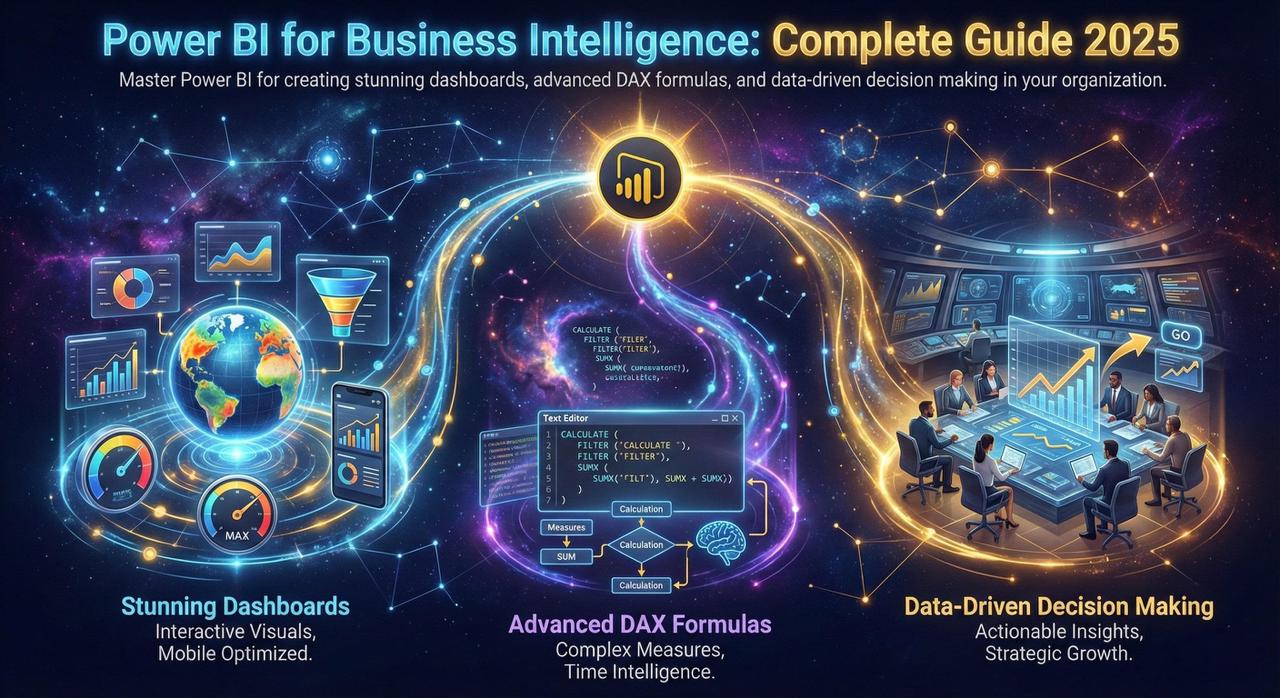
Power BI has become the leading business intelligence tool, empowering organizations to visualize data and share insights across the enterprise. In 2025, Power BI offers even more powerful features for data analysis and reporting.
Why Power BI for Business Intelligence?
Power BI combines ease of use with enterprise-grade capabilities, making it accessible to business users while meeting IT requirements for security and governance.
Market Leadership
Power BI has been named a Leader in Gartner's Magic Quadrant for Analytics and BI Platforms for 16 consecutive years. Over 97% of Fortune 500 companies use Power BI for their analytics needs.
100+ Connectors
Connect to virtually any data source—databases, cloud services, APIs, Excel files, and more.
AI-Powered Insights
Automatic anomaly detection, trend analysis, and natural language Q&A for instant insights.
Mobile Ready
Access dashboards anywhere with native iOS and Android apps with offline support.
Essential DAX Formulas
DAX (Data Analysis Expressions) is the formula language that powers Power BI calculations. Master these essential formulas:
// Year-over-Year Growth
YoY Growth =
VAR CurrentYear = [Total Sales]
VAR PreviousYear = CALCULATE(
    [Total Sales],
    SAMEPERIODLASTYEAR(Date[Date])
)
RETURN
DIVIDE(CurrentYear - PreviousYear, PreviousYear, 0)

// Running Total
Running Total =
CALCULATE(
    [Total Sales],
    FILTER(
        ALL(Date),
        Date[Date] <= MAX(Date[Date])
    )
)

// Moving Average (3 months)
Moving Avg 3M =
AVERAGEX(
    DATESINPERIOD(Date[Date], MAX(Date[Date]), -3, MONTH),
    [Total Sales]
)
Dashboard Design Best Practices
-
1
Keep It Simple
Focus on key metrics, avoid clutter. A dashboard should answer specific business questions at a glance.
-
2
Use Consistent Colors
Create a cohesive visual experience with a defined color palette. Use color meaningfully to highlight important data.
-
3
Tell a Story
Arrange visuals to guide the viewer's eye from overview to details. Use the Z-pattern or F-pattern layout.
-
4
Enable Interactivity
Use slicers, cross-filtering, and drill-through to let users explore data on their own terms.
-
5
Optimize Performance
Use aggregations, incremental refresh, and DirectQuery wisely to ensure fast load times.
New Features in 2025
Copilot Integration
Generate reports and DAX formulas using natural language. Ask questions like "Show me sales by region for last quarter" and get instant visualizations.
Enhanced Dataflows
More powerful data transformation capabilities with improved performance and reusability across reports.
Conclusion
Power BI is essential for modern business intelligence. By mastering its features and following best practices, you can transform raw data into compelling visualizations that drive better business decisions.
Start with simple reports, learn DAX progressively, and gradually build more sophisticated analytics solutions. The investment in learning Power BI pays dividends in better decision-making across your organization.